Referee Simulator Getting Started as a Ref
Your first session in Referee Simulator: College Football — spawn, roles, and the flags-fights-fans loop.
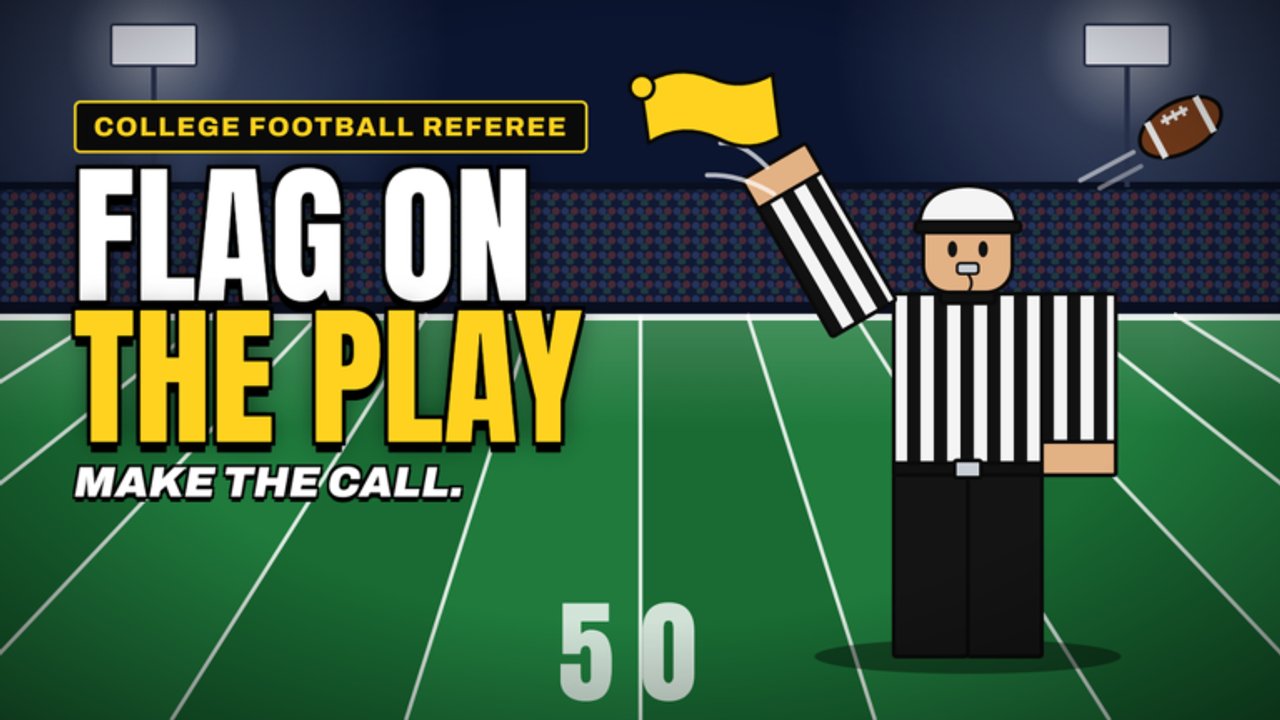
Welcome to Referee Simulator: College Football, the Roblox officiating experience from ReF - Studios. You are not here to throw touchdowns. You are here to keep the college gridiron honest: throw flags, break up fights, and catch fans who think the hash marks are a running track. This getting-started guide covers your first session end to end so you leave the lobby confident instead of spinning in place.
Confirmed basics: free-to-play on Roblox, released 2026-09-20, Place ID 133904667859735, Universe ID 10767196606, online co-op with up to seven players, weekly updates. Join only through the official game page listed on the Links Hub.
Before you press Play
- Favorite the correct place so you do not land in a copycat.
- Optional: follow ReF - Studios via the profile notes on ReF - Studios.
- Skim Controls once so whistle and flag inputs are not a surprise.
- If friends are joining, agree on a voice or chat callout style before the first snap energy hits.
There are no confirmed promo codes yet — see Codes — so do not stall in a redeem menu that may not even exist for a live drop.
First minutes on the field
After loading, take a breath and orient:
- Find the field markings and sidelines; know which way “your” half feels.
- Notice where piles form after big collisions — fights spawn drama there.
- Spot barriers and stands; that is where running fans usually erupt from.
- Check whether teammates already claimed a lane. In a seven-player server, redundant coverage wastes eyes.
Move before you officiate. Footwork mistakes cause missed holds more often than “bad eyes.”
The core loop you will repeat
ReF - Studios frames the fantasy around three jobs. Learn them as a rotation, not as isolated minigames.
1. Call flags
Watch blocks, hits, and late shots. When something illegal lights up your brain, commit to the throw instead of hovering forever. Deep dive: Call Flags. Priority when several things explode at once: Penalty Priority.
2. Break up fights
Tempers flare after whistle-worthy hits. Closing distance and interrupting the scrap keeps the sim moving. Guide: Break Up Fights.
3. Catch running fans
Invaders steal the show at the worst time. Practice pursuit angles early so you do not tunnel on a soft flag while a fan crosses midfield. Guide: Catch Fans.
A good first session touches all three at least once, even if the attempts are messy.
Suggested co-op roles for beginners
If you have two or three friends:
- Line watcher — stays near the scramble for holding-type looks
- Deep judge — tracks downfield contact and late hits
- Security — first to peel for fights and fans
Rotate every few “drives” of chaos so everyone samples each job. Solo? Sequence deliberately: scan play, check for scrap, glance at stands, repeat.
First-session checklist
- Joined the official place ID
- Moved comfortably (walk, sprint, camera)
- Opened whatever whistle/flag inputs your device uses
- Threw at least one intentional flag
- Interrupted or approached one fight situation
- Chased or squared up to one fan path
- Survived without rage-quitting after a miss
- Noted one thing to reread on Controls
Misses are data. The weekly patch cadence means your timing will be recalibrated often anyway — see Weekly Updates.
Common new-ref mistakes
- Standing still in the perfect TV camera spot while the play moves away
- Triple-teaming one fan with friends while a fight ignites behind you
- Spamming flags on every shoulder brush until nothing feels meaningful
- Ignoring chat when a teammate already called “I have fans”
- Hunting scripts on day one — read Scripts and skip straight to practice
After the first hour
- Reread Call Flags with fresh eyes.
- Run the Penalty Priority and Sideline Jobs mental stacks during one chaotic stretch.
- Skim Co-op Crew and Field Positioning before your next multiplayer night.
- Check Updates and November 2026 so you know the game is alive and changing.
- Bookmark Links for official returns.
You do not need perfect mechanics tonight. You need a repeatable loop: position, observe, decide, act, reset. That loop is the whole sport of refereeing inside this Roblox stadium — and it is more fun with a crew that speaks the same language.
Frequently Asked Questions
Quick answers for codes, flags, fights, and fan catching.
Is Referee Simulator free to play?
Yes. It is a free-to-play Roblox experience from ReF - Studios. Join via the official Place ID 133904667859735.
Can I play with friends?
Yes. The game supports online co-op with servers up to seven players. Assign lanes so you do not all chase the same fan.
What should I learn first after this page?
Read Controls, then Call Flags. Add Break Up Fights and Catch Fans once movement and whistle timing feel comfortable.
Do I need codes or scripts to start?
No. There are no confirmed public codes as of November 2026, and dedicated scripts are not something this wiki recommends. Jump in and practice.