Referee Simulator Guides & Match Craft
From your first whistle to clean flag timing, fight breaks, and fan chases on the college gridiron.
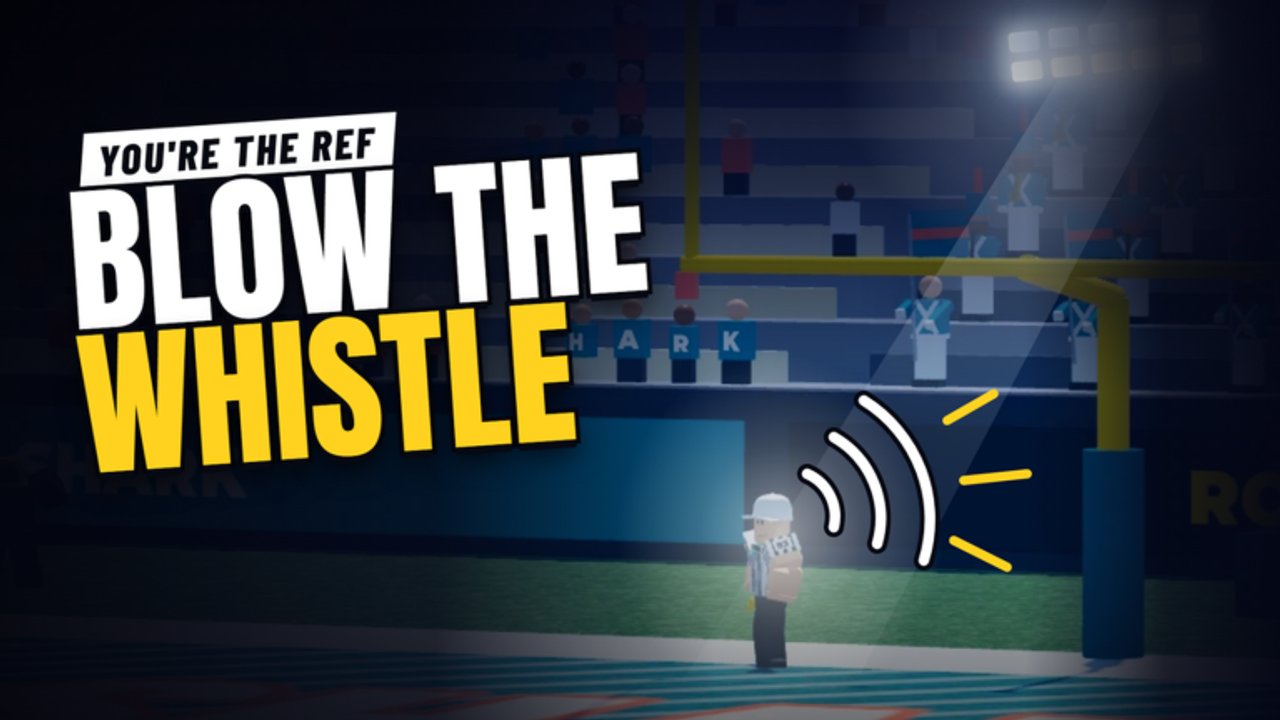
The Guides Hub is the skill center for Referee Simulator: College Football on Roblox. Developed by ReF - Studios, the experience puts you on the field as an official: spot fouls, throw flags, separate scrapes, and chase fans who bolt onto the turf. Servers support online co-op with a small crew (max seven players), so clear habits help the whole match, not just your personal score.
Use this hub as a map. Start broad, then drill into the leaf guides that match the problem you hit in your last session.
Recommended learning path
- Getting Started — first join, roles, and how a match flows from kickoff energy to final whistle.
- Controls — movement, whistle and flag inputs, plus mobile versus PC tips.
- Call Flags — recognizing penalties and committing to the throw with confidence.
- Break Up Fights — when benches clear or players shove after a big hit.
- Catch Fans — field invaders and running spectators who break the play bubble.
- Co-op Crew — lane coverage for up to seven refs.
- Field Positioning — where to stand so the next job is visible.
After the core loop pages, cross into the Penalty Priority Tier List and Sideline Jobs Tier List so you know which call or job to take first when chaos stacks.
What each guide is for
Getting Started
New refs often freeze because the stadium looks busy and the crew is already moving. The getting-started guide covers spawn orientation, what “good” positioning feels like, and how the core loop — flags, fights, fans — shows up in a single session. Pair it with the Updates Hub so you know the game is actively patched.
Controls
Input clarity separates clean games from spam whistling. PC players lean on keyboard precision; mobile refs need thumb-friendly timing. The controls guide compares both and ties inputs to real match moments.
Call Flags
Flags are the headline fantasy of the game. Learn sight lines, delay discipline (do not throw on every collision), and how to recover when you miss. This page pairs well with video mid-article and with the tier list for priority under pressure.
Break Up Fights
College football energy means tempers spike. Breaking up fights is its own mini-game of closing distance, interrupting animations, and resetting the field so the next snap can happen.
Catch Fans
Running fans and invaders steal attention at the worst times. The catch-fans guide focuses on pursuit angles, when to abandon a flag stare-down, and how co-op crews can assign a “security” ref for a play.
How guides connect to other hubs
- Codes Hub — no confirmed codes yet; do not wait on freebies to practice.
- Scripts Hub — dedicated scripts are scarce; skill guides are the safe path.
- Tier List Hub — ranking which penalties matter when the clock and crowd are loud.
- Players Hub — studio context via ReF - Studios.
- Links Hub — official Roblox page and group entry points.
Co-op tips that belong on every guide page
Because matches are shared:
- Call out what you are watching (“I have the LOS,” “I chase fans”).
- Avoid three refs staring at the same pile while a fan sprints behind you.
- Reset after a fight before hunting exotic flags.
- Respect weekly patch notes; a timing change can make old muscle memory late.
How we keep guides honest
We stick to confirmed product facts: Roblox-only release (2026-09-20), ReF - Studios, Place ID 133904667859735, Universe ID 10767196606, free-to-play, sports referee loop with weekly updates. We do not invent secret menus, fake codes, or script pastes. When a mechanic shifts after a patch, check Weekly Updates and re-read the relevant leaf guide.
Browse the full guide set
Pick one weakness from your last match, open that guide, and run two focused sessions before hopping to the next topic. Steady reps beat random YouTube doomscrolling — though we do embed a real video on select pages when it teaches the same skill. After mid-November place updates, also skim November 2026 Updates.
Frequently Asked Questions
Quick answers for codes, flags, fights, and fan catching.
Which guide should I read first?
Start with Getting Started, then Controls, then Call Flags. Add Break Up Fights and Catch Fans once you can move and whistle without fumbling inputs.
Do these guides work for mobile?
Yes. Controls covers mobile versus PC differences, and the other guides focus on positioning and decision order that apply on every device.
Is Referee Simulator single-player only?
No. It is online co-op on Roblox with small servers (max seven players). Coordinate roles with friends when you can.
Where do I go after finishing the guides?
Study the Penalty Priority tier list, skim Weekly Updates after patches, and use the Links Hub for official ReF - Studios channels.